AR Drawing: Paint & Sketch
Hydra Global Ltd.
Downloads
1,000,000+
Version
Latest
Click to download now, finish the installation quickly, and directly unlock the all-round experience
Screenshots
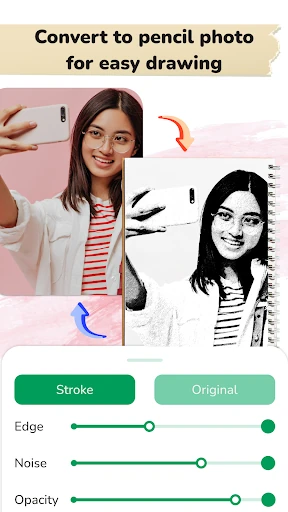
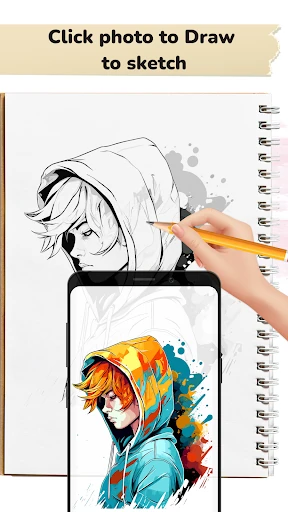
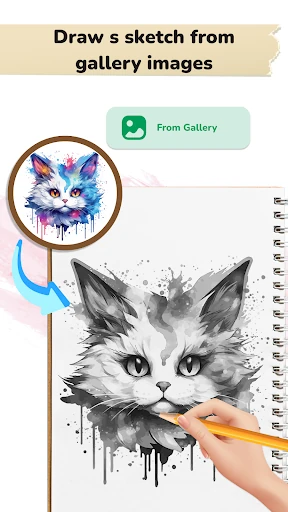
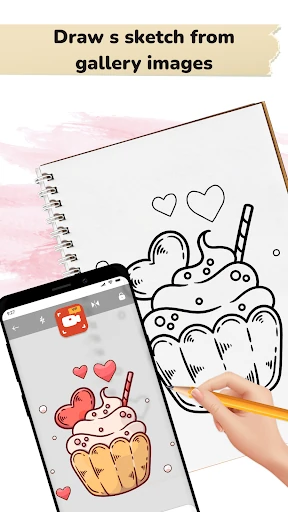
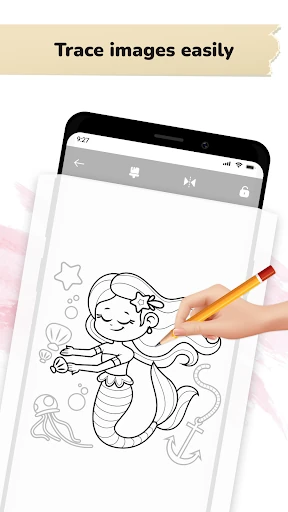
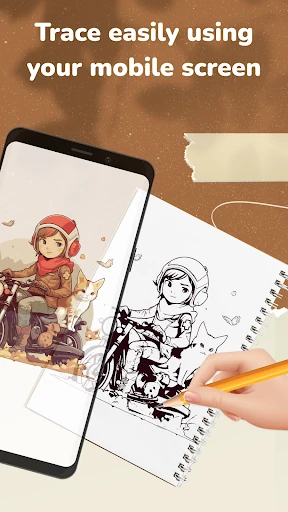
Click to download now, finish the installation quickly, and directly unlock the all-round experience
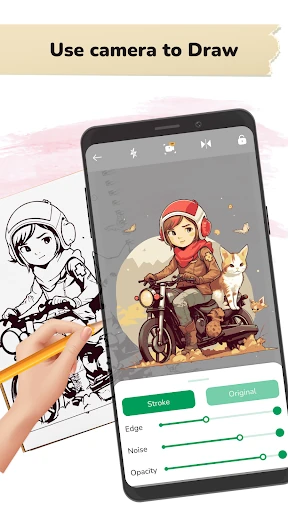
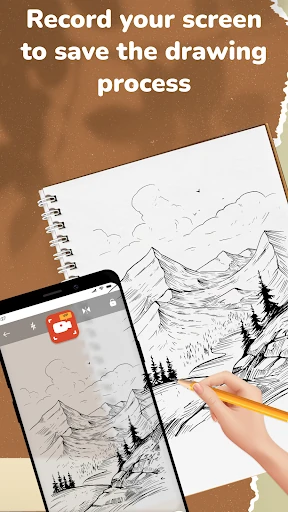
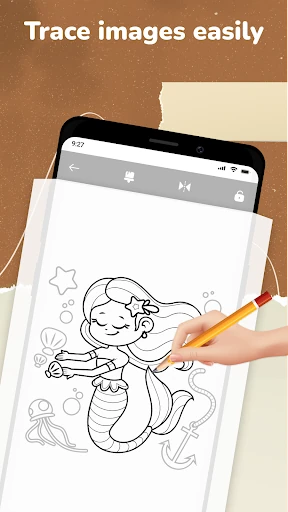
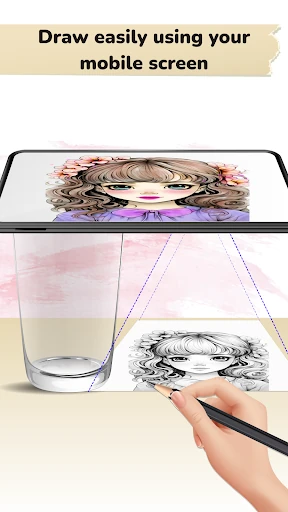
AR Drawing: Paint & Sketch is an Art & Design app for people who want help sketching on paper, canvas, or another physical surface. It uses your phone’s camera to place a digital image over the real-world view, giving you an on-screen guide to follow while you draw. This makes it useful for beginners learning proportions as well as artists who want to transfer a reference image by hand.
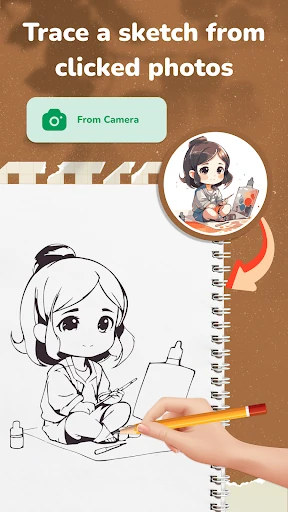
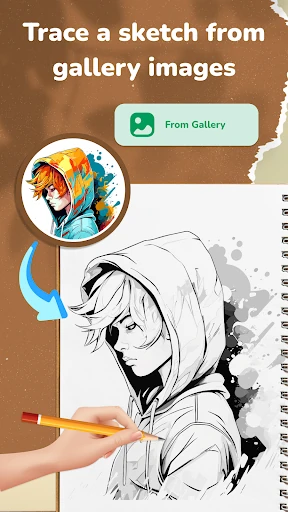
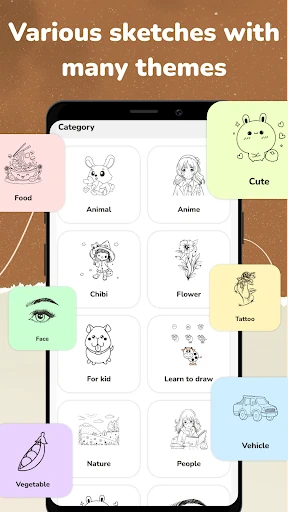
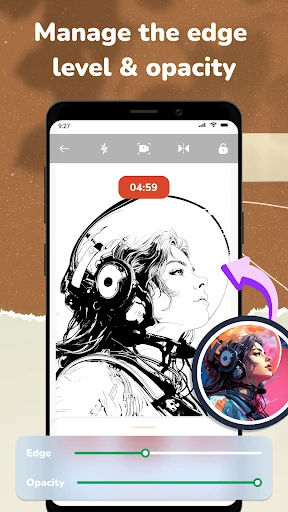
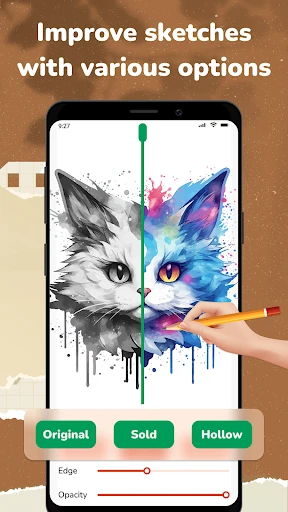
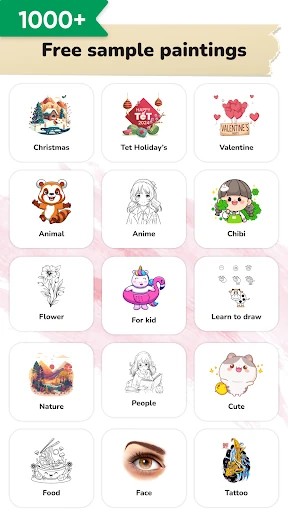
The app includes drawing references across subjects such as anime, chibi characters, nature, and food. You can also bring an image from your gallery into the tracing workflow, so a personal photo or chosen reference can become the basis for a sketch. The overlay can be adjusted to make the guide easier to see while working.
AR Drawing: Paint & Sketch is a good fit for learners, hobby artists, and anyone who prefers creating physical artwork instead of drawing only on a screen. A stable phone position helps keep the projected guide aligned while you work, and the camera-based approach is best suited to a well-lit, steady setup. Developed by Hydra Global Ltd., the app has a 4.3/5 rating from 5,134 reviews and more than 1,000,000 installs, indicating broad use among Android drawing and sketching users.